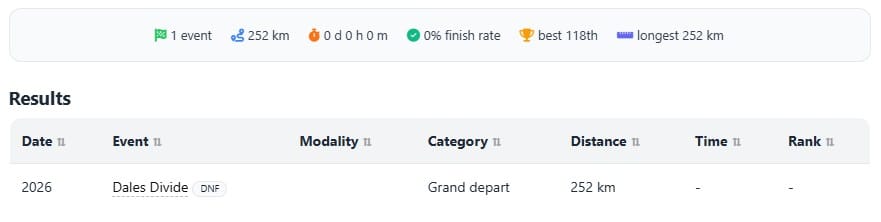
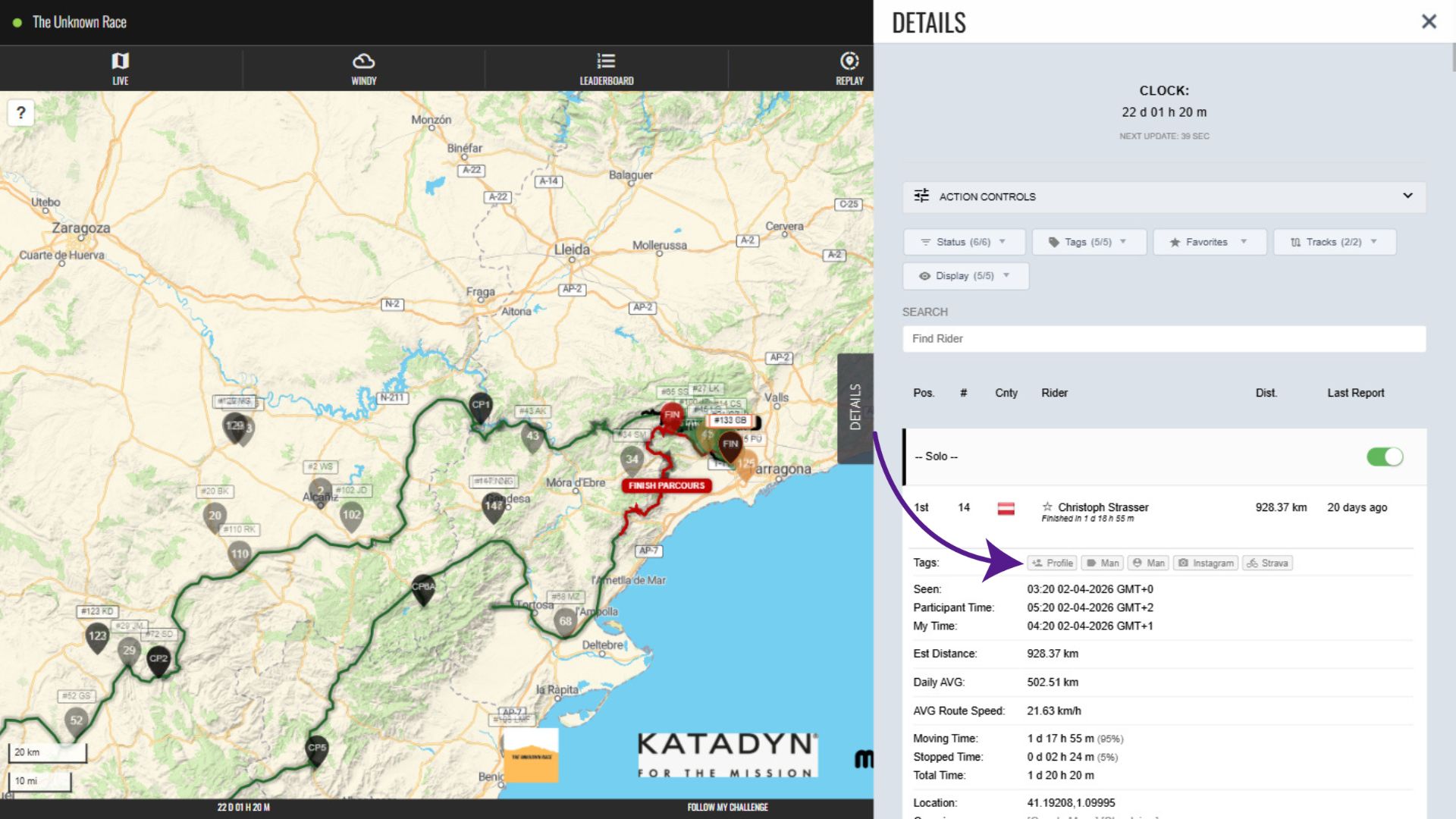
On maps with this feature enabled, participant profiles appear in the participant row in the Details tab and also in the participant pop-up. They open as a new tab when clicked.
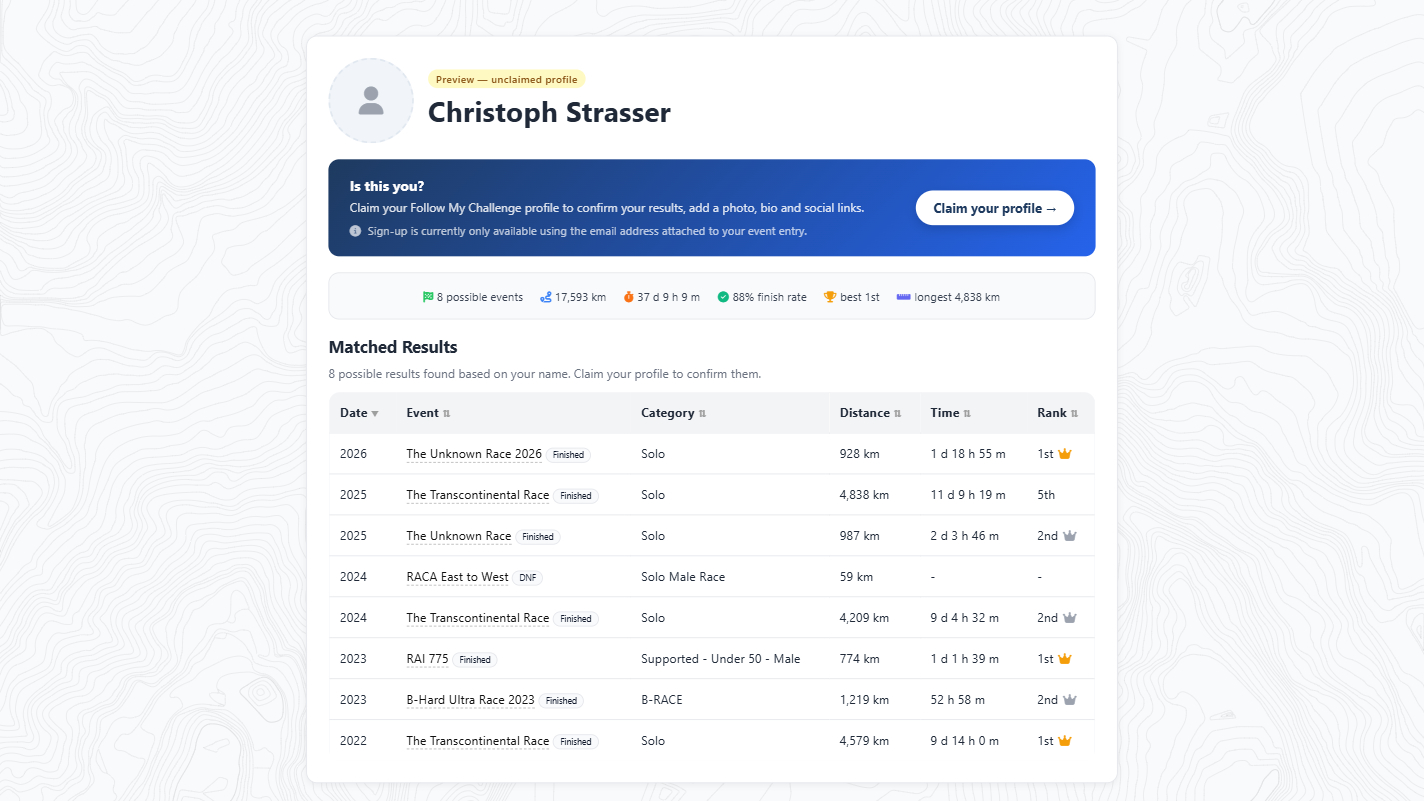
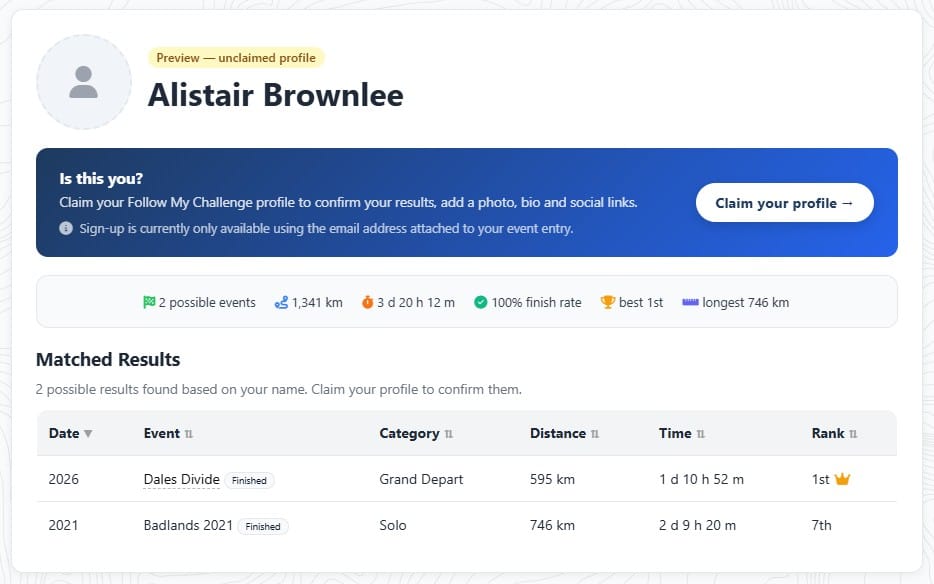
Depending on whether the participant has claimed their profile, this link will either open a profile preview page or a claimed profile page. Profile preview pages show matched results based on the data loaded to the map for that participant, as well as a summary of key metrics associated with those results.
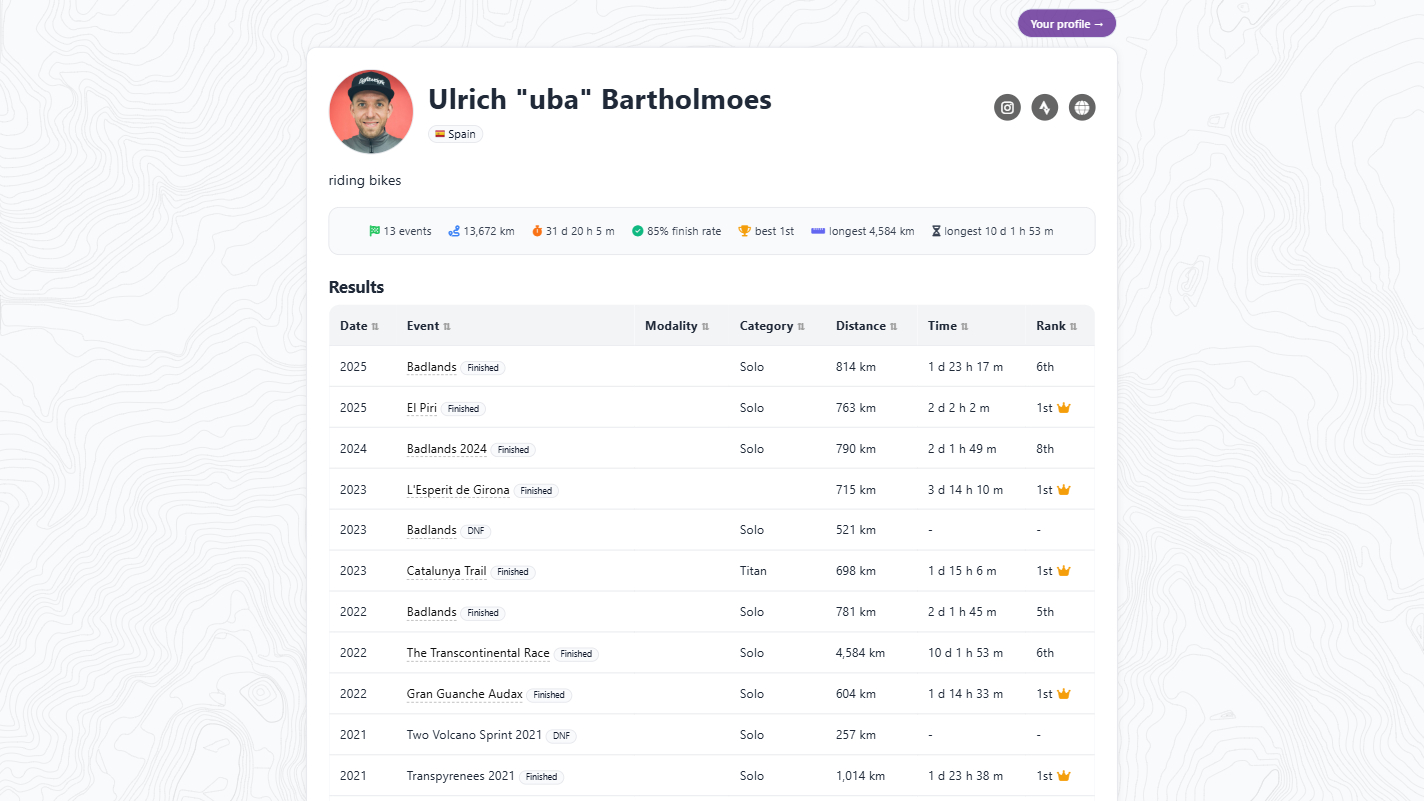
On claimed pages, you will only see results accepted by participants, as well as those auto-matched after the profile’s creation. You will also find biographical details and social media links, alongside a profile photo if the participant has uploaded one.
How to Claim Your Profile
Currently, you can only claim your profile if you are taking part in an event where the feature has been activated. As soon as you are added to one of these maps, your email address will be whitelisted to register. This will be the email you used to register for that event; other email addresses won’t work, so please remember which email you used.
This is how the process works:
Profile preview generated
Based on the loaded participant data, a preview profile page is automatically created and linked for each participant on that map, showing results matched to that participant. This is accessed from a button shown in the Details tab, beneath the participant’s name.
Profile is Claimed & Customised
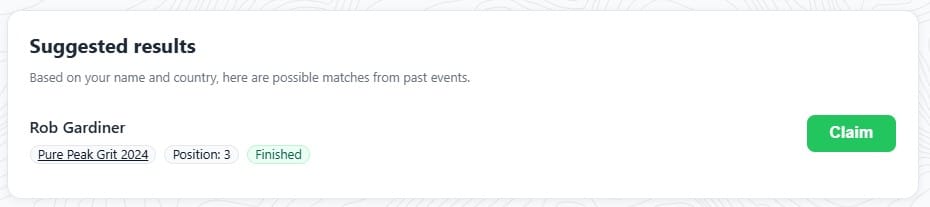
The participant clicks through to this preview and opts to claim it, registering using their email address. Once they’re registered, they can add a photo, as well as social media links and other info. Suggested results will be displayed for them to accept or reject.
Profile Link Updates
After the profile has been claimed, the link on the map updates to show it has been claimed and directs users to the participant’s profile page.

Automation Kicks In
After an event has finished, the result is automatically added to the profile page. At any subsequent events, the claimed profile page is automatically linked to that participant and results continue to be added.