
Marking a participant as a favourite makes them easier to spot by making them more visible on the map and also within the participant list. Your favourites save in your browser for the next time you visit the map and you can easily share them across devices.
To mark a participant as a favourite, open the Details panel and either search or scroll to find the participant you are looking for. You will see that every participant has a star next to their name. Click this to make them one of your favourites.
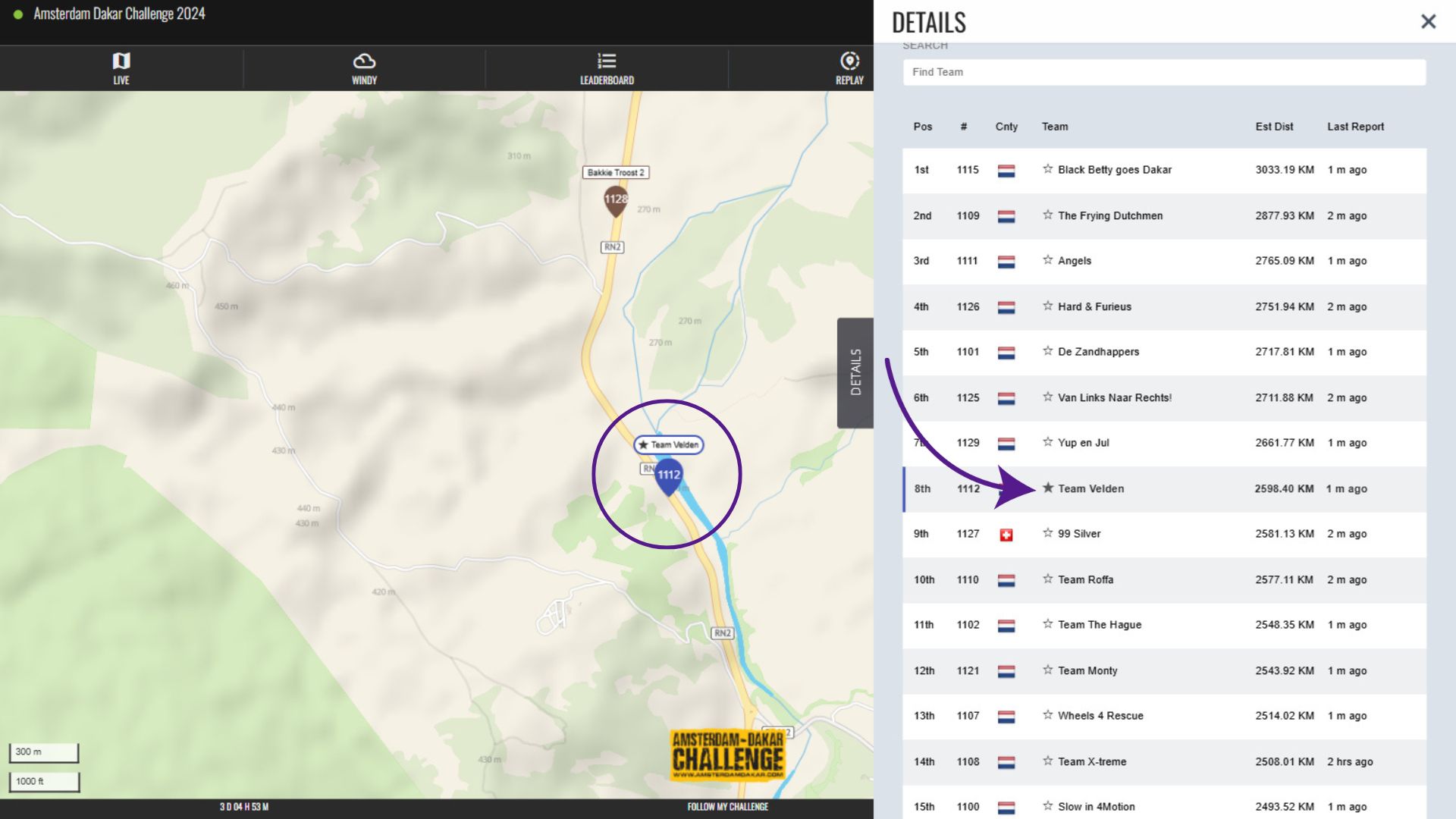
Once clicked, the star will become filled in and the participant name will appear in bold. On the map, their dot will be enlarged and you will see a star appear above it.
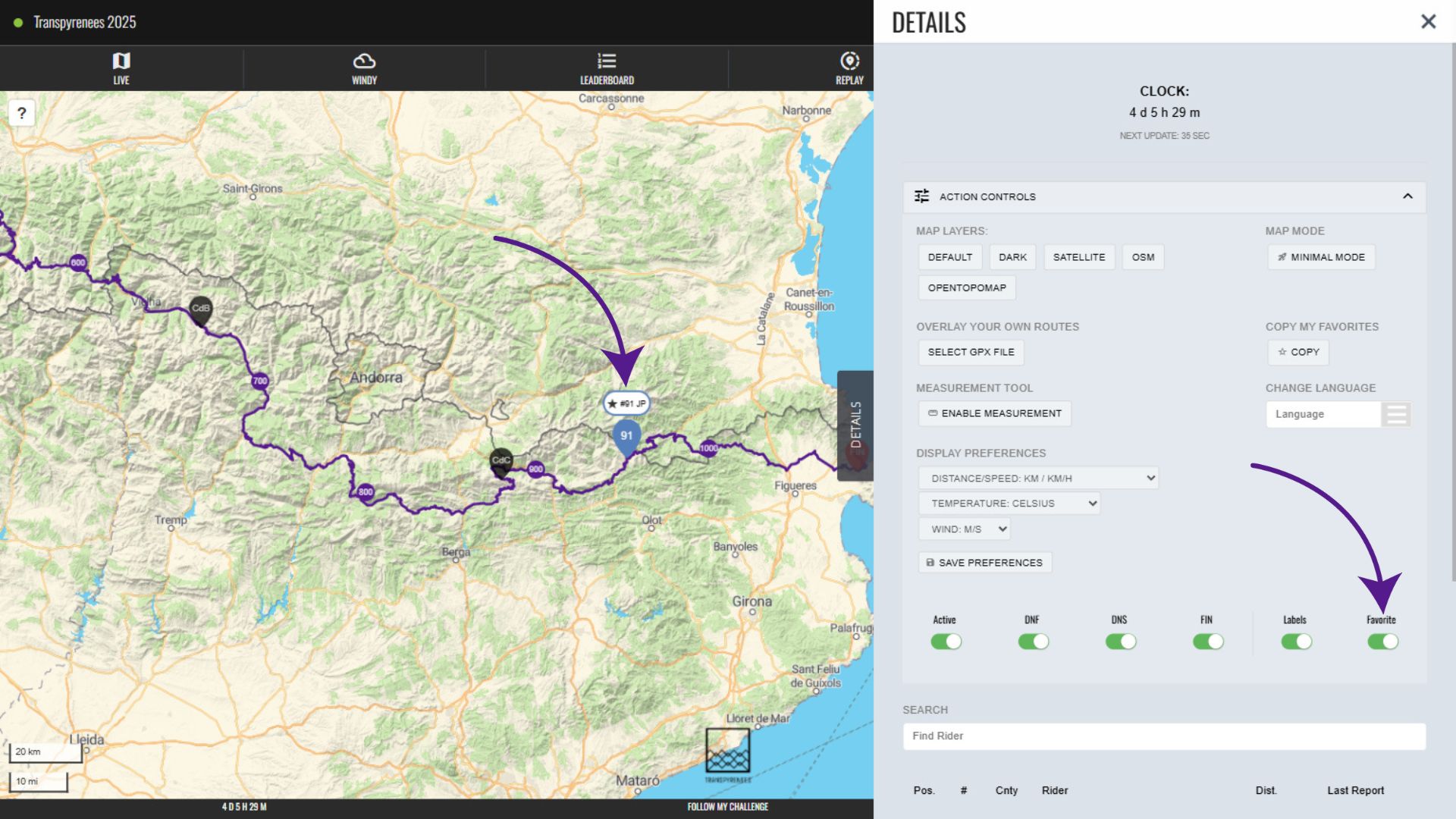
To show only your favourites on the map, open Favorites in the Filters and tick Show only favorites. You can also switch individual favourites on and off there.
To save or share your favourites on another device, use Copy Favourites in Action Controls. On the Leaderboard, Compare favourites shows just the people you’ve starred.
Last reviewed: October 2026