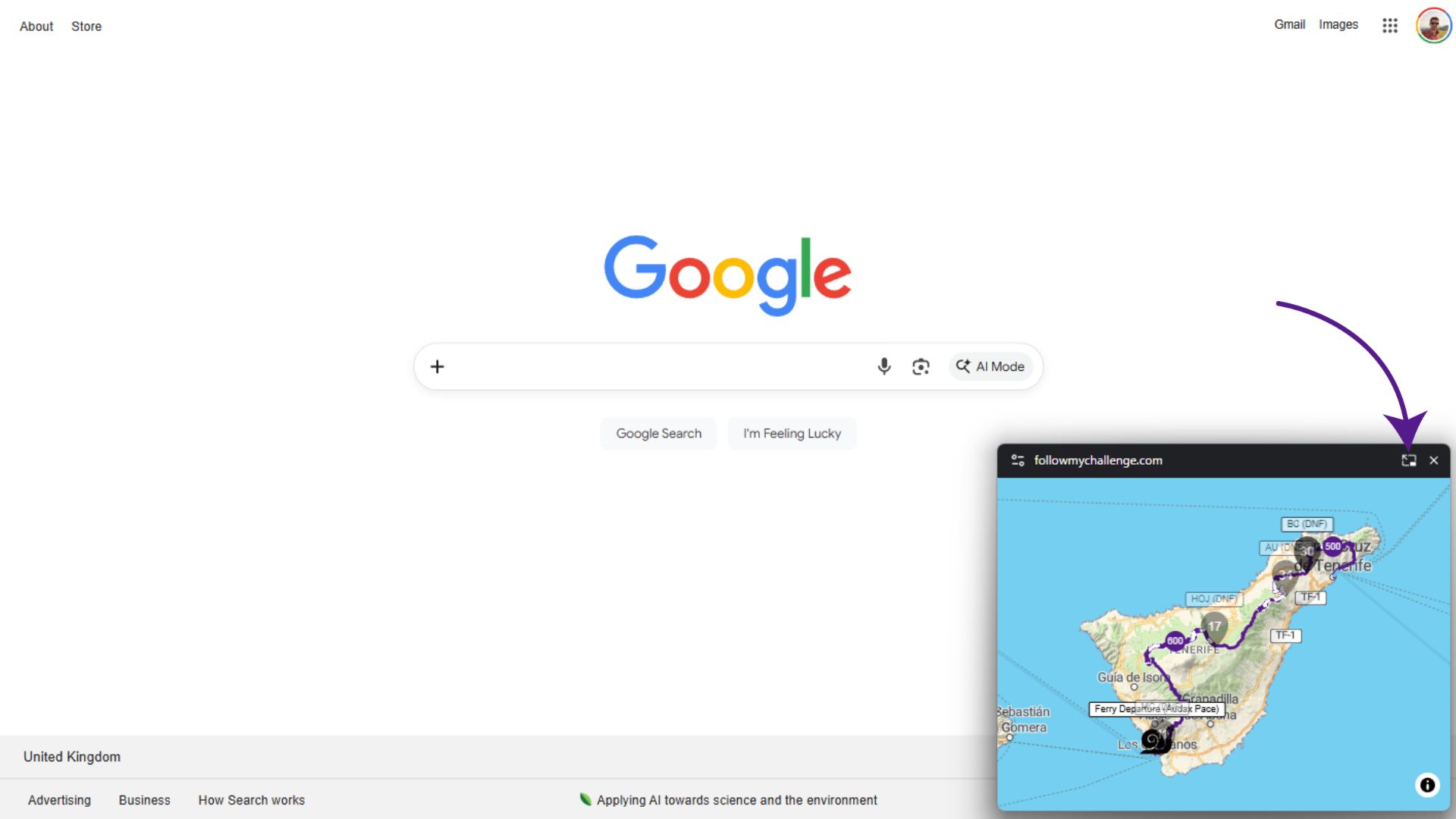
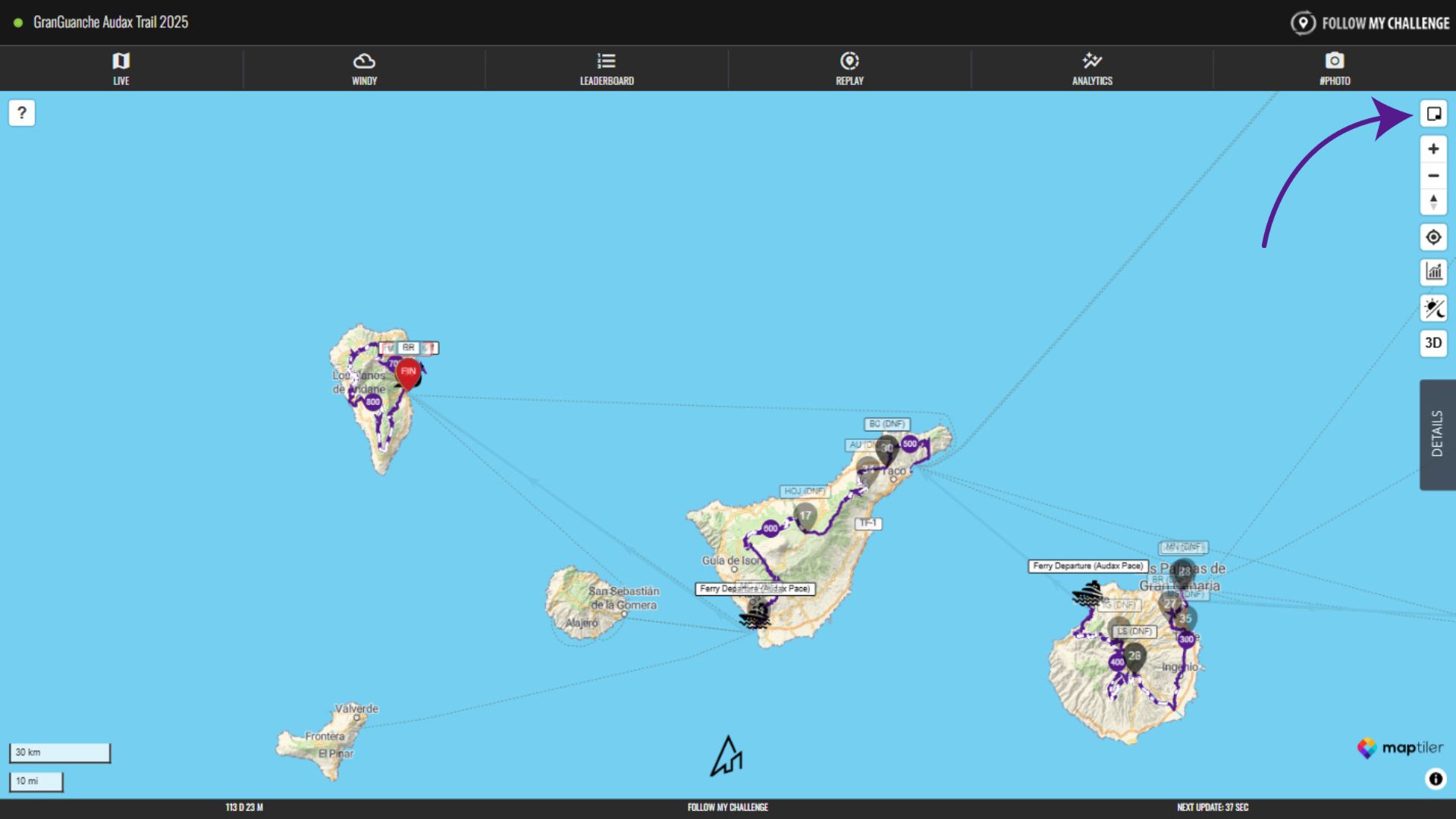
The mini map button sits in the top right of the Live map. Clicking this will open a picture-in-picture version of the map that floats as a smaller window above the browser. Please note that not all browser support this and it’s only available on desktop.
It means that you can flick between tabs – browsing websites or working – whilst keeping the map visible. You can also return to the full map tab by simply clicking the button in the top right of the mini map window.