
The day/night layer shades the parts of the world that are in darkness right now, so you can see who’s riding through the night.
Turning it on
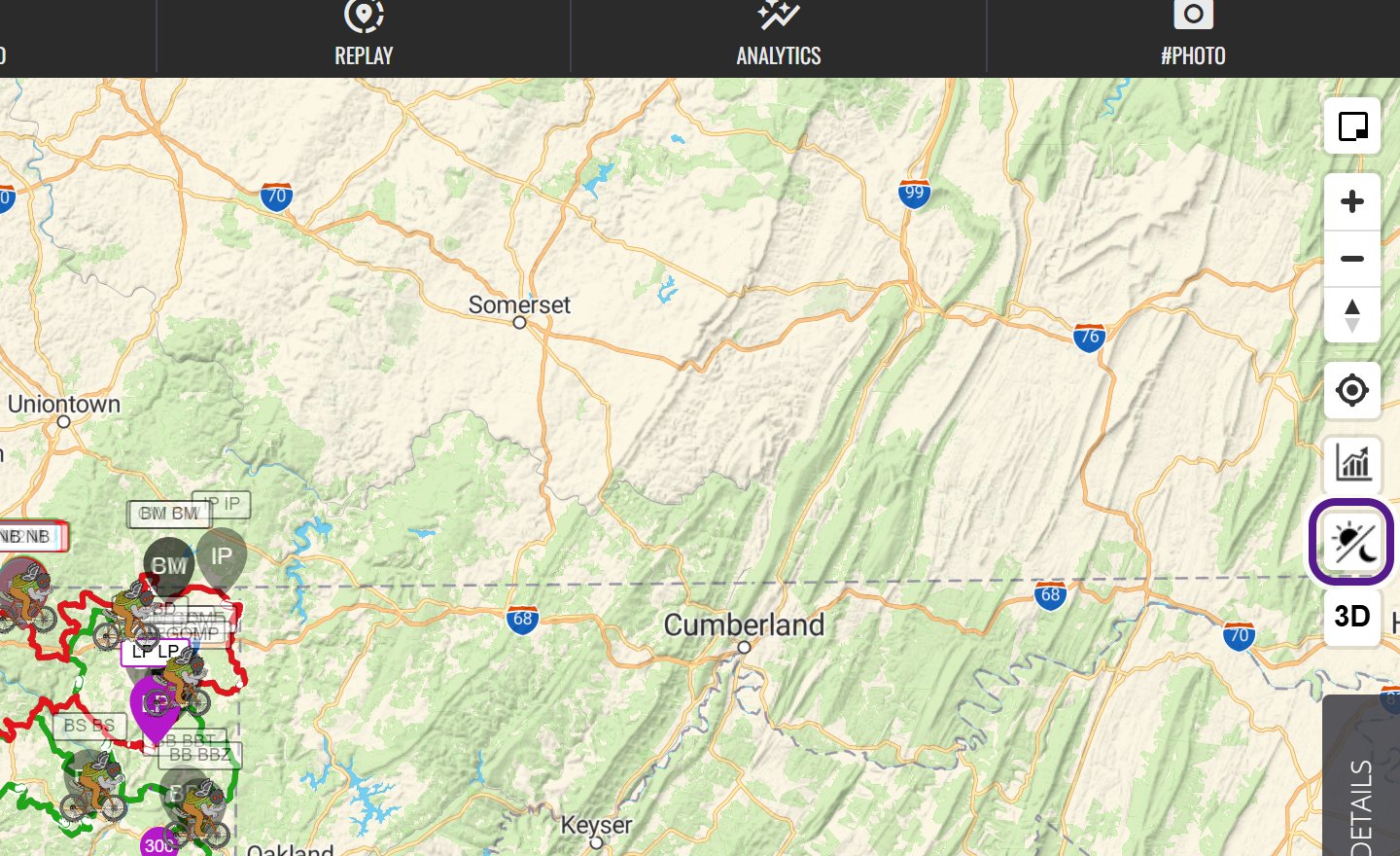
- On the Live map, click the day/night button in the column of map buttons in the top right. It has a sun-and-moon icon and sits near the bottom of the column.
- Shading appears over the parts of the map where it’s night.
- Click the button again to turn it off.
Reading the shading
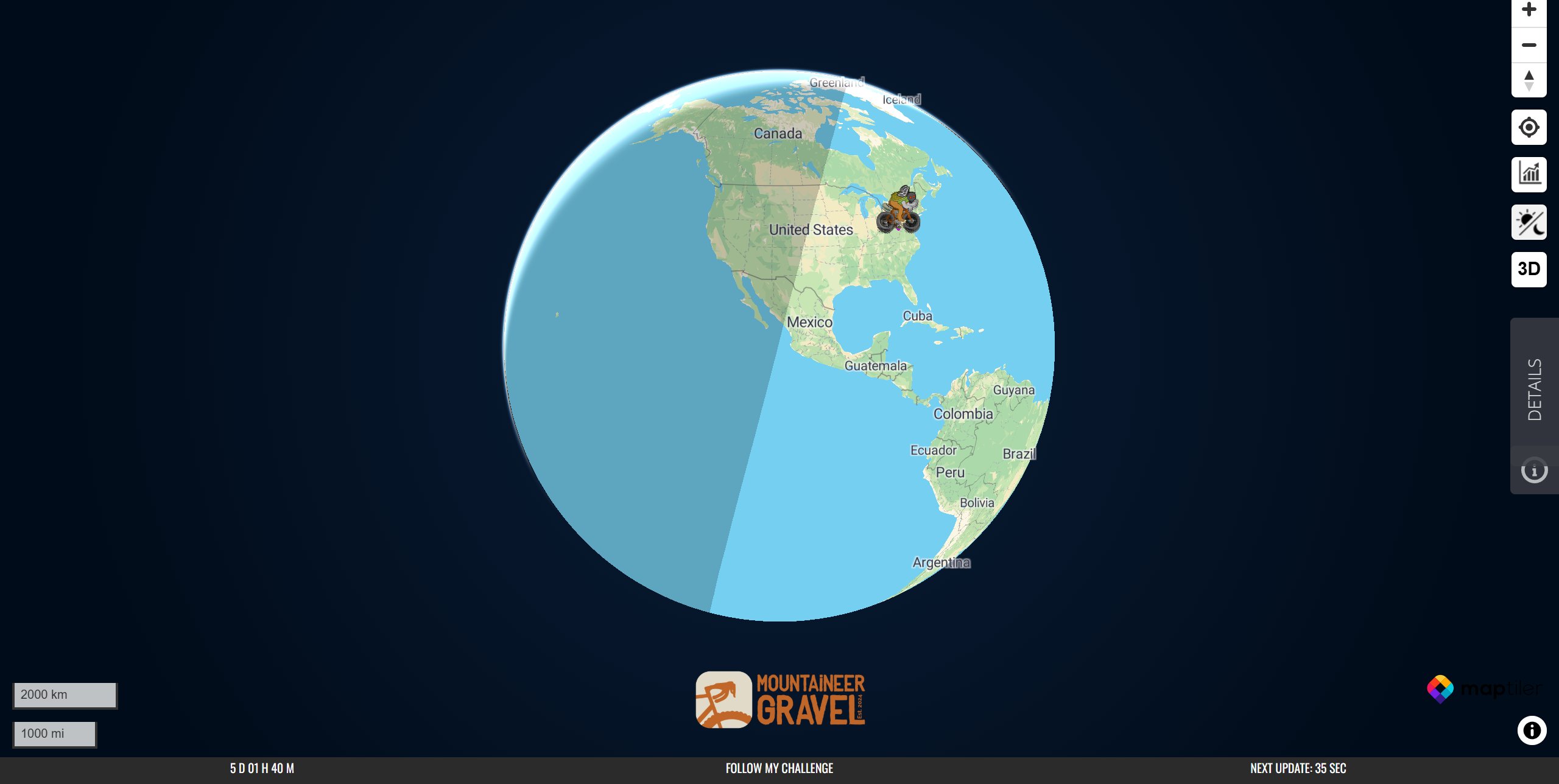
- Shaded areas are in darkness. Clear areas are in daylight.
- The edge between them moves as time passes, and the shading keeps up while the map is open.
- Zoom out to see the whole line between day and night.
When you might not see it
- The day/night button isn’t shown on a phone.
- If you’re zoomed in a long way from the edge between day and night, the whole view is either shaded or clear. Zoom out to see the difference.
Related articles
Last reviewed: October 2026