
Before an event starts, the map is in pre-start mode. It lists everyone taking part and counts down to the start, but doesn’t show any tracking yet.
What you’ll see
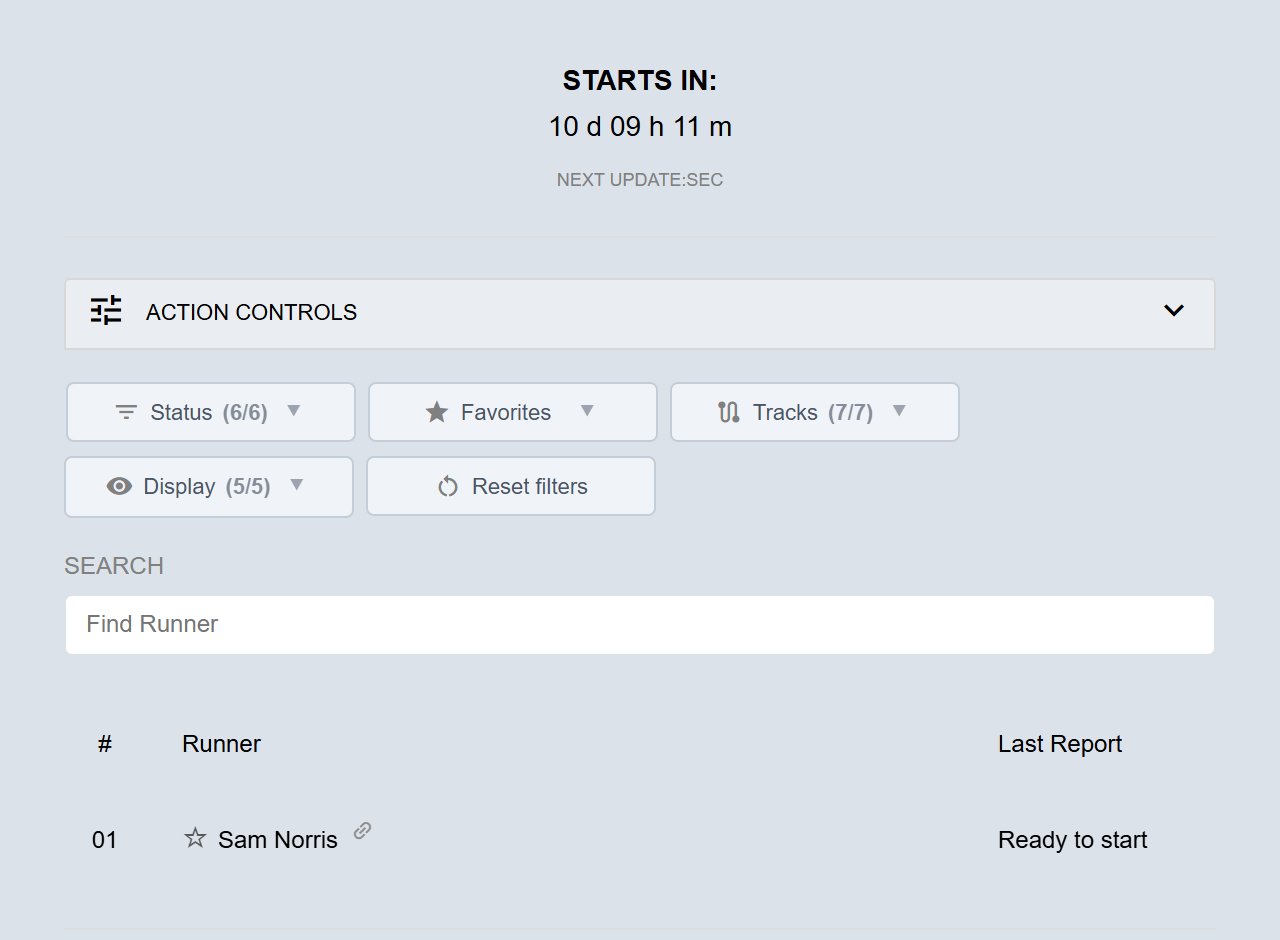
- The clock reads STARTS IN: with a countdown to the start.
- The Details panel lists the participants by category, without distances or positions.
- On most events, dots don’t move on the map before the start. A few events show them.
- When the start time comes, the map reloads itself and tracking begins. You don’t need to refresh the page.
Ready to start
On the right of each participant’s row in the Details panel you’ll see Ready to start.
- Green means the participant’s tracker has sent data recently, so it’s switched on and working.
- Not green just means no recent data has come in yet. Many participants only switch their tracker on shortly before the start.
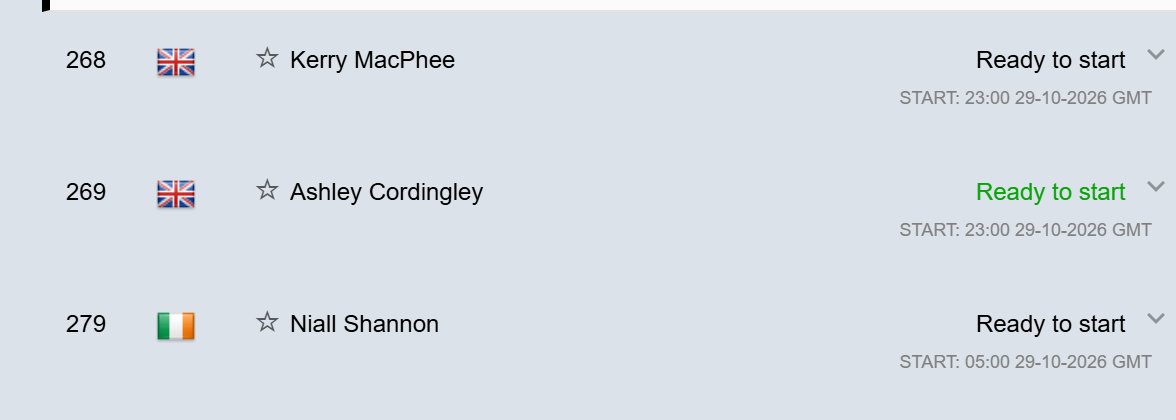
The map starts listening for trackers 7 days before the start for Follow My Challenge trackers, and 14 days before for participants’ own devices. In the last 48 hours before the start, it also shows when each tracker last sent a position and its battery level.
Linking to a participant
Before the start, each name in the Details panel has a small link icon after it. Click it to copy a link to that participant. See Sharing a map.
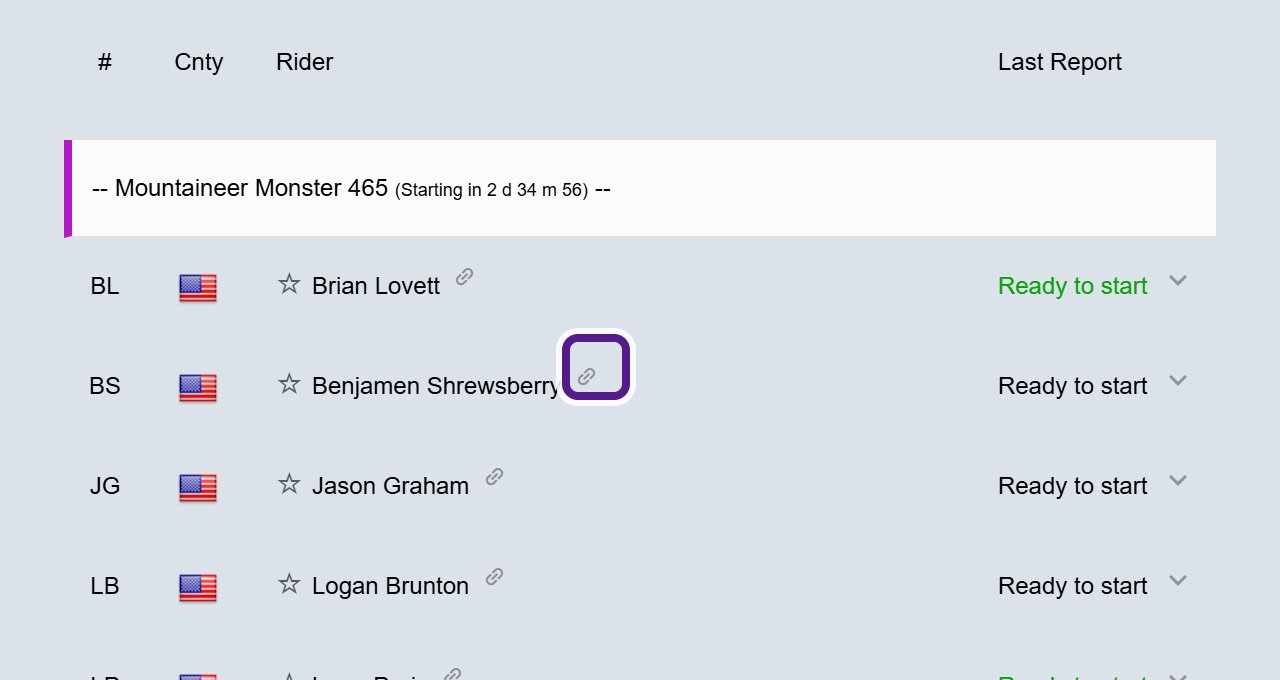
You can also star participants now, so they’re easy to find once the event starts. See Marking a Participant as a Favourite.
Tags before the start
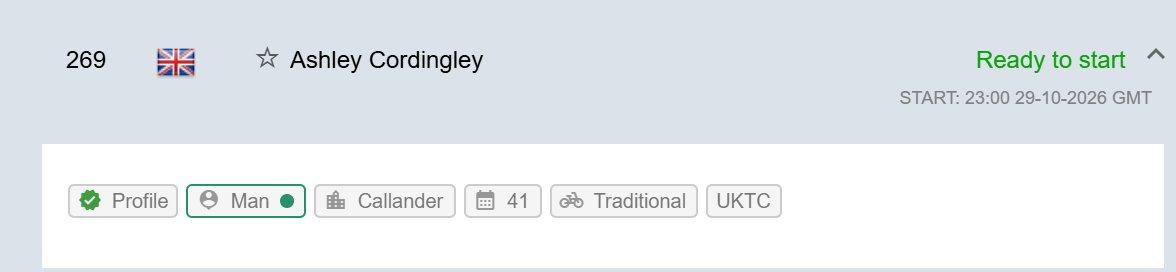
On events that use tags, you can read them before the start. A participant row with tags has a small arrow on the right. Click the row to open it and see their tags. Click it again to close it. For what tags are, see Participant Tags.
Staggered and time-trial starts
On some events, participants or categories start at different times.
- A category with its own start time shows Starting in and a countdown next to its heading. Once it has started, this changes to Started and the time since.
- If a participant has their own start time, for example in a time trial, it shows beneath Ready to start, for example START: 23:00 29-10-2026 GMT. That’s the start time, the date and the time zone.

When you might not see it
- Ready to start only turns green once the map is listening for trackers, and only when the tracker has sent data recently.
- The last position time and battery level only appear in the 48 hours before the start.
- Dots before the start only appear on events that choose to show them.
Related articles
- Participant List
- Sharing a map
- Finding a tracking map
- Update Intervals and Overdrive Mode
- For Participants
Last reviewed: October 2026