
Each participant’s tracker sends its position at regular intervals, and their dot moves each time a new position arrives. Overdrive Mode makes trackers send positions much more often in the last few kilometres, so close finishes are easier to follow.
How the map updates
- On most events, Follow My Challenge Queclink trackers send a position every five minutes. Short events can update more often, as often as every minute. The organiser chooses the interval, balancing how often the tracker updates against its battery life.
- Other types of tracker send positions on their own schedule. See Different trackers below.
- The map checks for new positions by itself, so you don’t need to reload the page. NEXT UPDATE: at the bottom of the map counts down to the next check. You’ll also find it under CLOCK: in the Details panel.
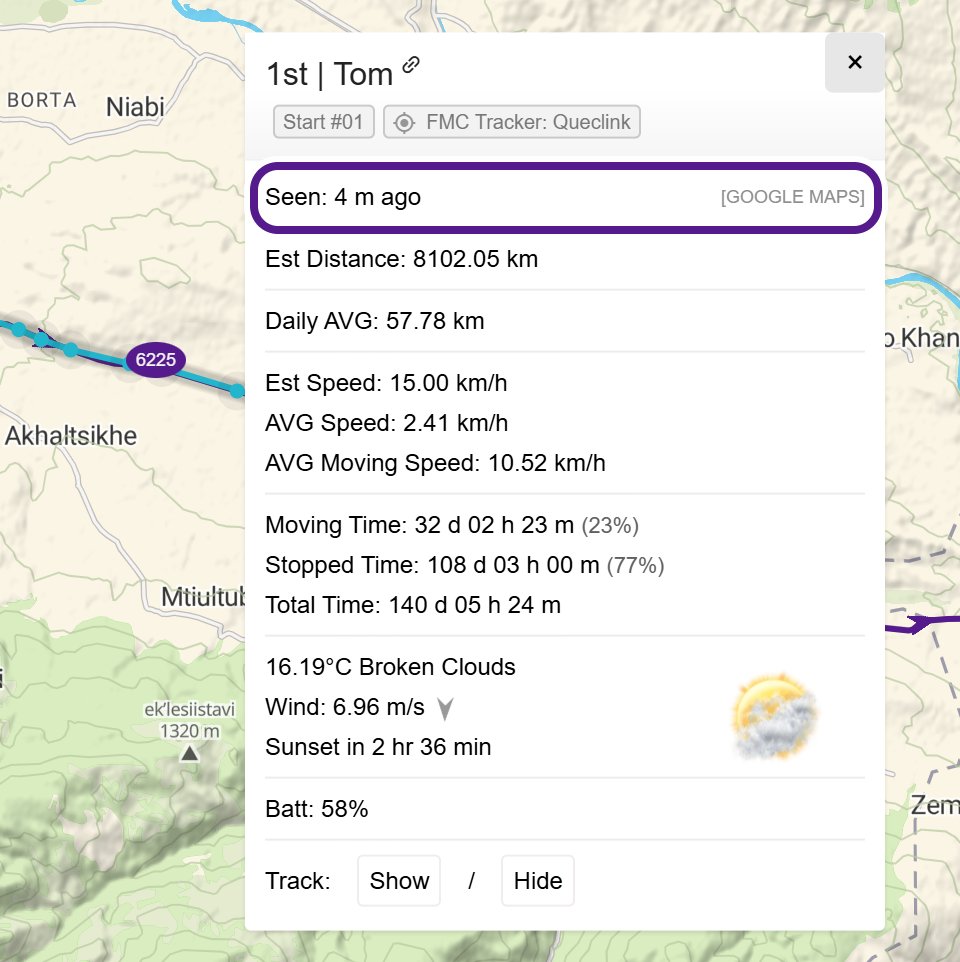
- To see when a participant’s last position was sent, open their pop-up and look at Seen:. See Participant Pop-up & Track.
Overdrive Mode
Overdrive Mode is on by default. In the final 15 km, trackers with more than 15% battery switch to a faster interval, usually every minute and sometimes more often. It only works with Follow My Challenge Queclink trackers, because the map can change their settings remotely.
What you’ll notice:
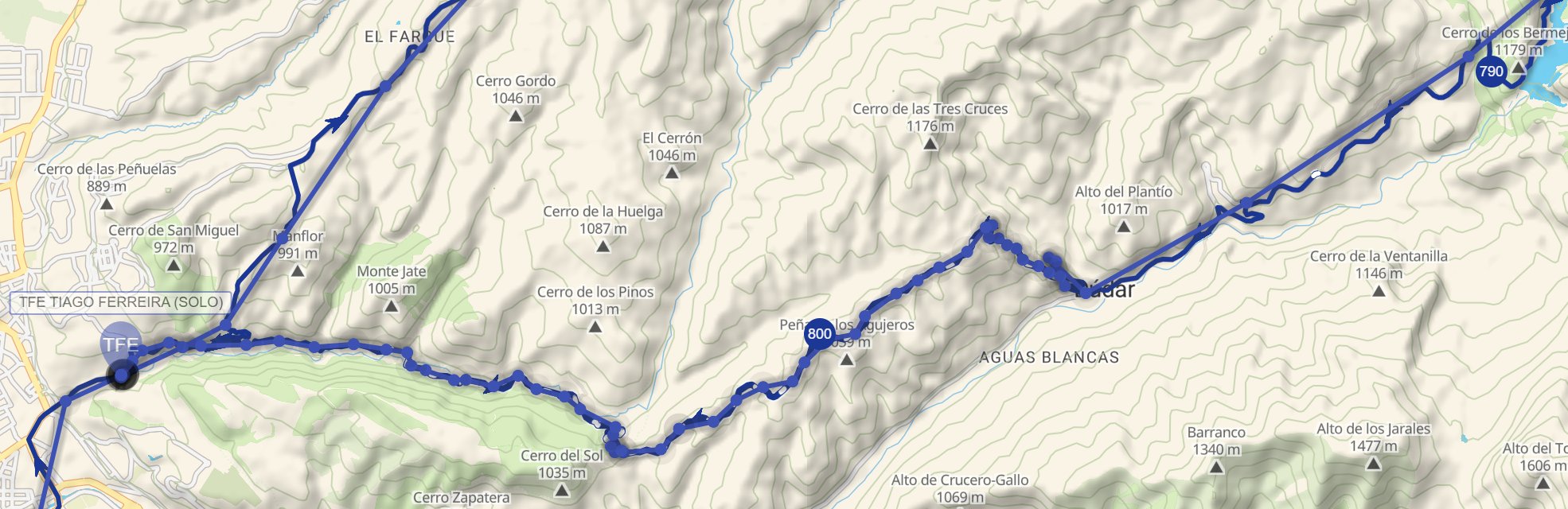
- The dot moves in smaller, more frequent steps as the participant nears the finish.
- The points on their track get closer together over the last stretch.
- Finish times are recorded more precisely, which matters in a sprint for a place.
If a tracker’s battery is low, it stays on its normal interval to save power.
Why dots update at different rates
Before the start: trackers sit on a slower interval to save battery, then switch to the event interval just before the start. On most events, dots don’t move before the start anyway. See Before the Start.
Different trackers: some participants carry their own device, such as a Garmin inReach. These send positions on their own schedule, which may be slower than a Follow My Challenge Queclink tracker. Overdrive Mode doesn’t apply to them.
Signal: in places with no mobile or satellite signal, positions can arrive late or not at all. The dot then jumps forward once the tracker gets a signal again.
Checkpoints: on some events, reaching a checkpoint changes how often a tracker updates.
Tracking delay: on some events, dots show where participants were a while ago rather than where they are now. See Delayed and Hidden Tracking.
If a dot hasn’t moved for a while
A dot turns semi-transparent when it hasn’t updated for a while. Usually the participant has stopped, or they’re out of signal. It can also mean the tracker has a problem or a flat battery. See Participant Dots.
Related articles
Last reviewed: October 2026